
 1 / 6
Portrait Digital Planner 2026
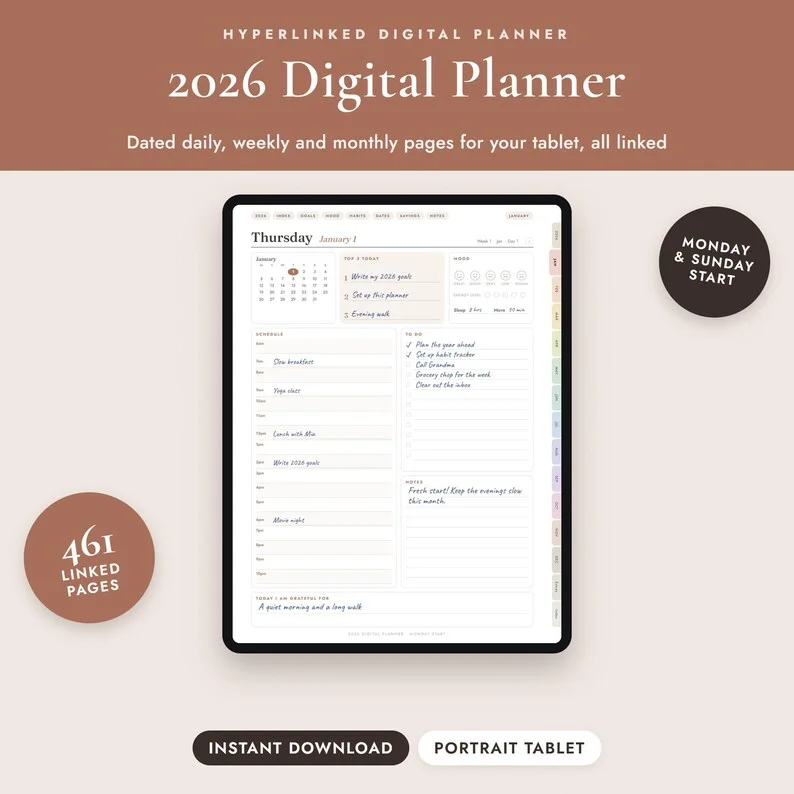
This digital planner 2026 is a fully dated, hyperlinked daily, weekly and monthly planner in a portrait tablet layout, with 365 daily pages and 53 weekly spreads. It takes you from the big picture to your daily to-do list in one or two taps.
Secure checkout on Etsy
Everything in this template
Monday-start and Sunday-start versions.
3 lined, 3 dot grid, 3 graph.
Tap any date to open its daily page.
Ready in minutes
Check out securely on Etsy.
Your download link appears right away and arrives by email.
Open the PDF in your note-taking app, or print the pages you need.
Personal use only, please don't share or resell the files. Delivery & refunds
Good to know
Which apps does it work with?
Any note-taking app that opens hyperlinked PDFs, on iPad, Android tablets and Windows tablets. Import the PDF and tap the tabs to move around.
How do I receive it?
Right after checkout on Etsy your files are available in your Etsy purchases and the link is emailed to you.
Can I get a refund?
Digital files cannot be returned once downloaded, so there are no change-of-mind refunds. If a file does not work, message us and we will fix it, replace it, or refund you if we cannot. Full policy.
What you get
- 461 pages in each version
- 2026 at a glance and a 2026 goals page
- 12 monthly calendars with week numbers
- 53 weekly spreads with correct week numbers
- 365 dated daily pages
- 12 monthly habit trackers
- Year in pixels mood tracker
- Birthdays and important dates
- 2 savings trackers
- Year-end reflection
Open the PDF in any PDF annotation app on your tablet. Use the app's read or link mode to tap the tabs and dates, then switch to pen mode to write. Hyperlinks work in PDF annotation apps that support linked PDFs.
Works with
- PDF note-taking apps that open hyperlinked PDFs, on iPad, Android and Windows tablets
Pairs well with
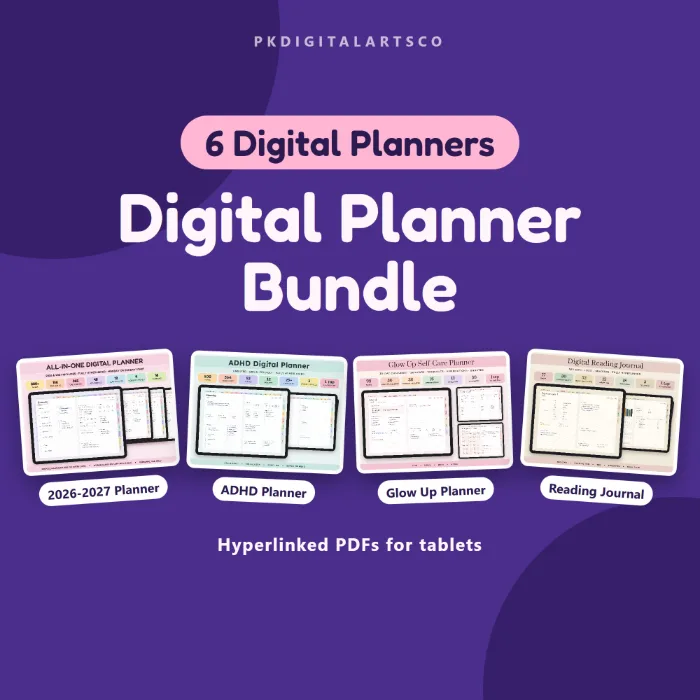
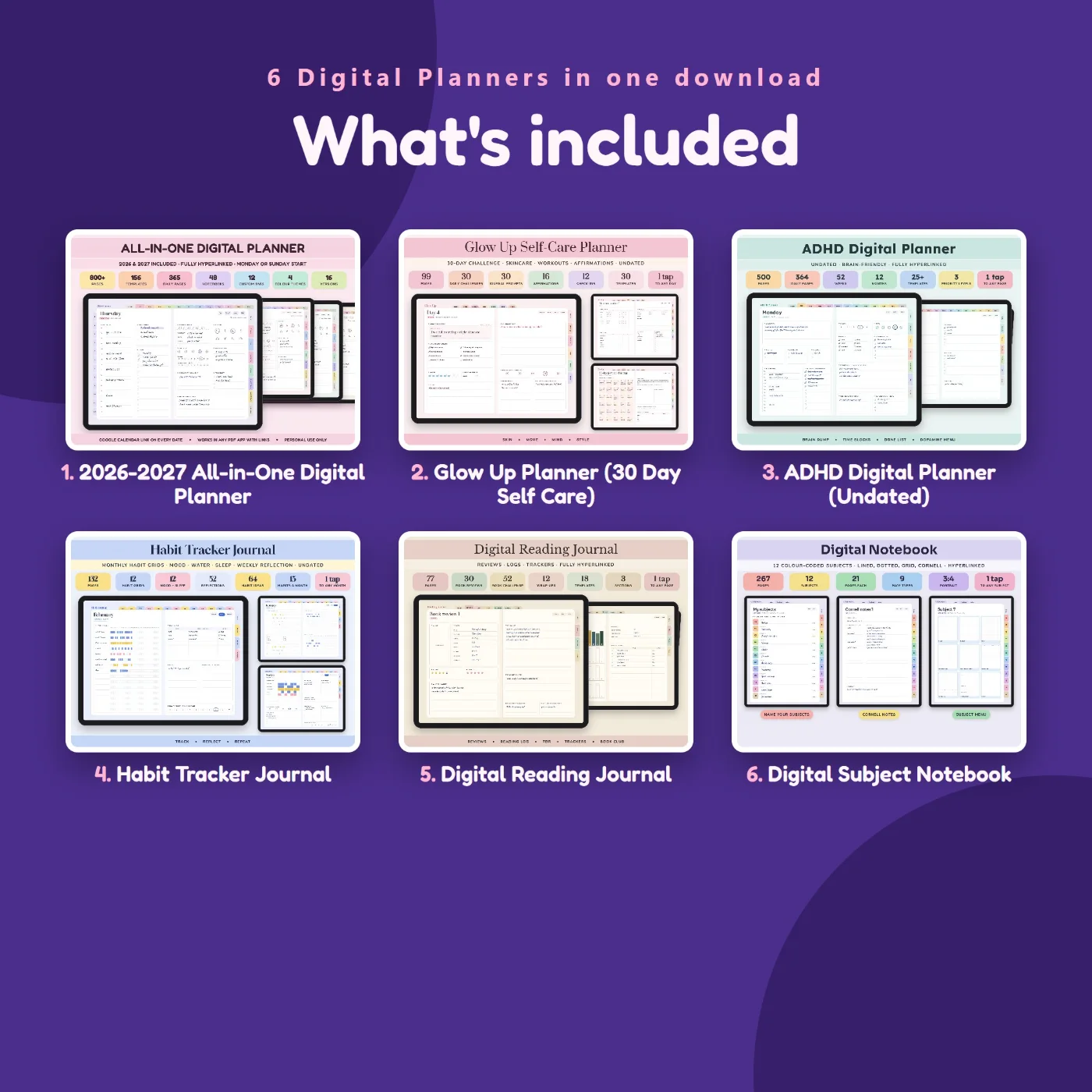
6 Digital Planners Bundle
ADHD, all-in-one, habit, reading and glow up planners plus a notebook
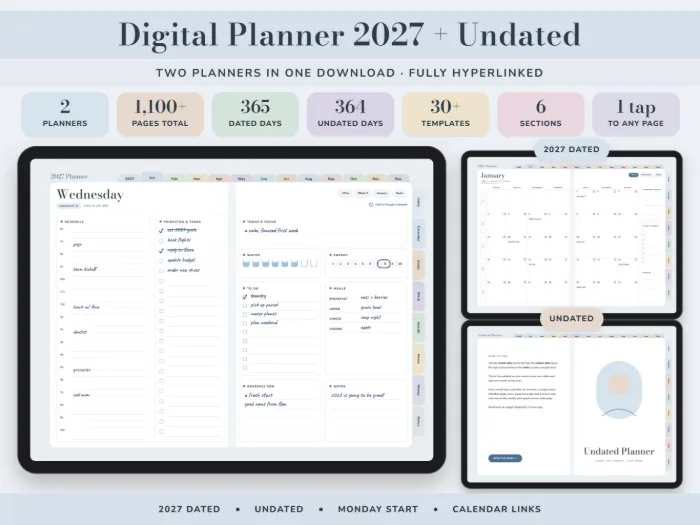
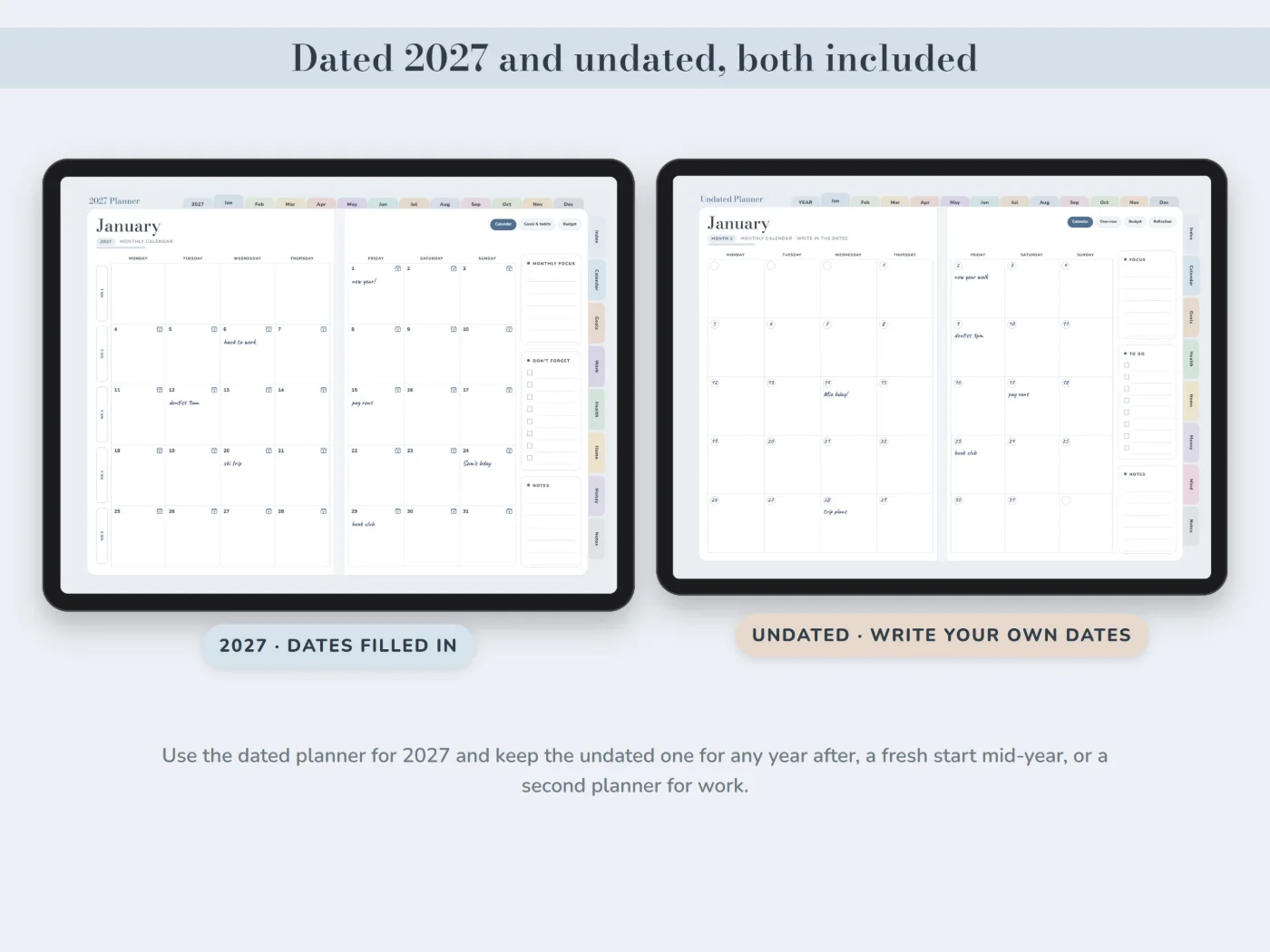
Digital Planner Bundle
2027 and undated, all in one download
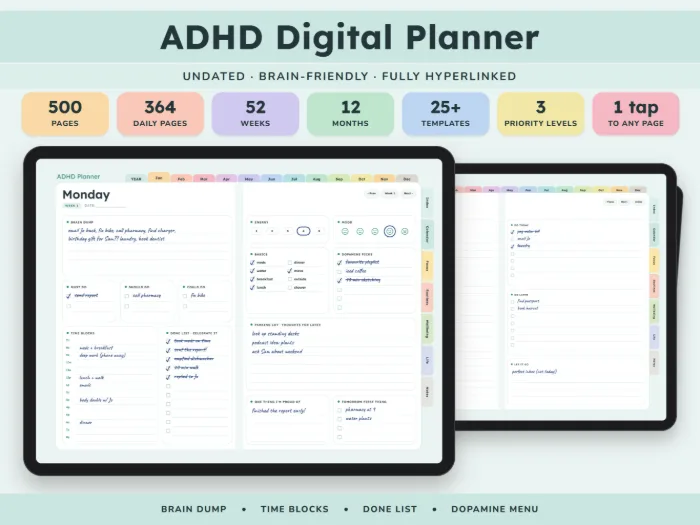
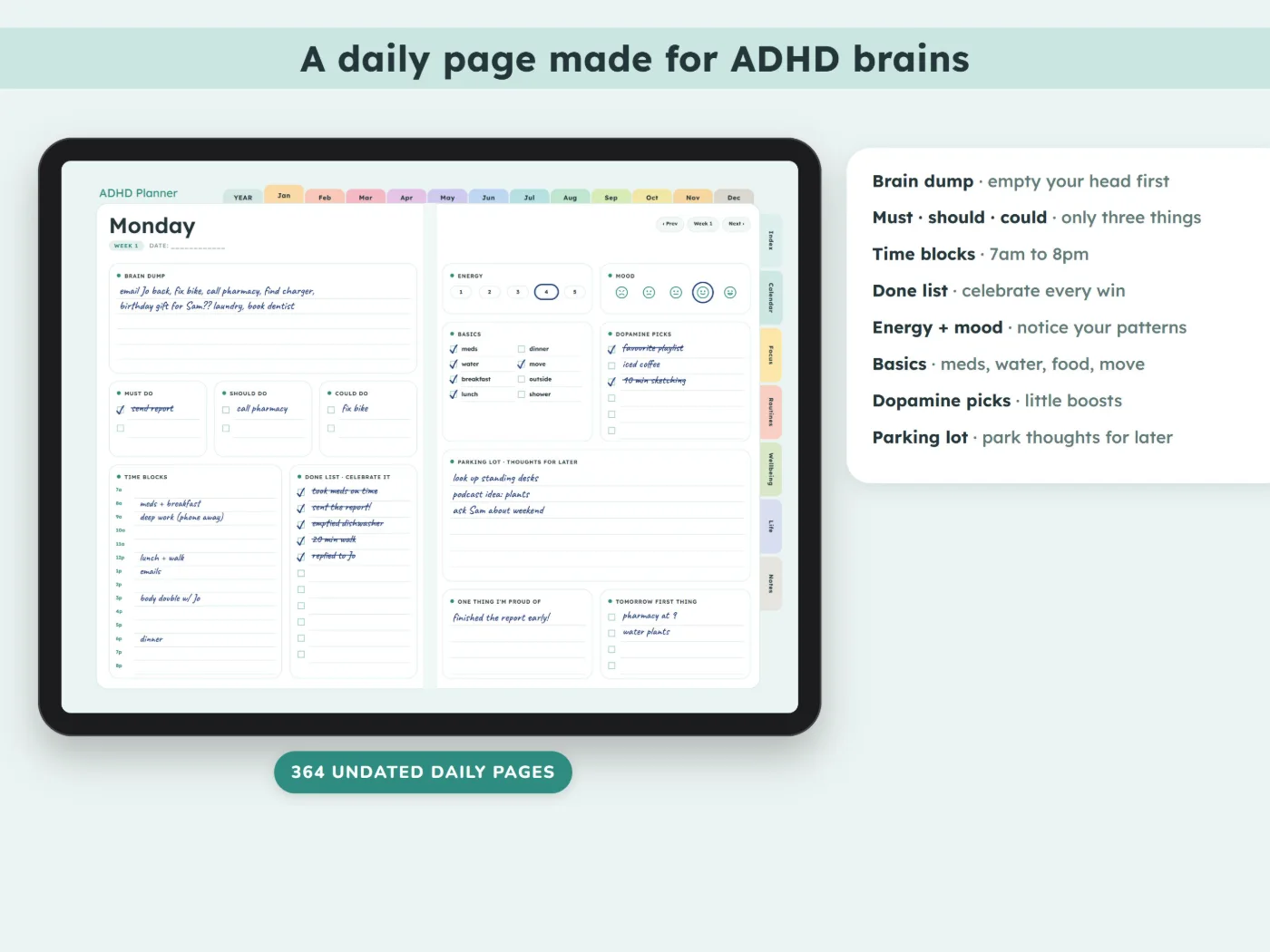
ADHD Digital Planner
focus, routines and wellbeing in one place
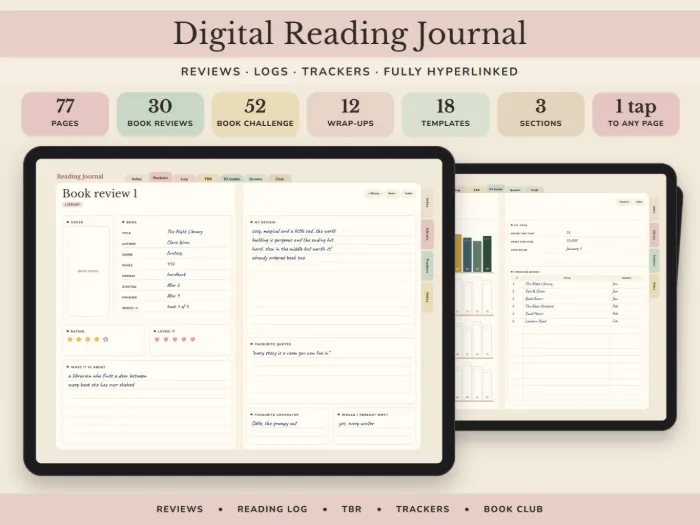
Digital Reading Journal
track every book you read