
 1 / 11
Expense Split Spreadsheet
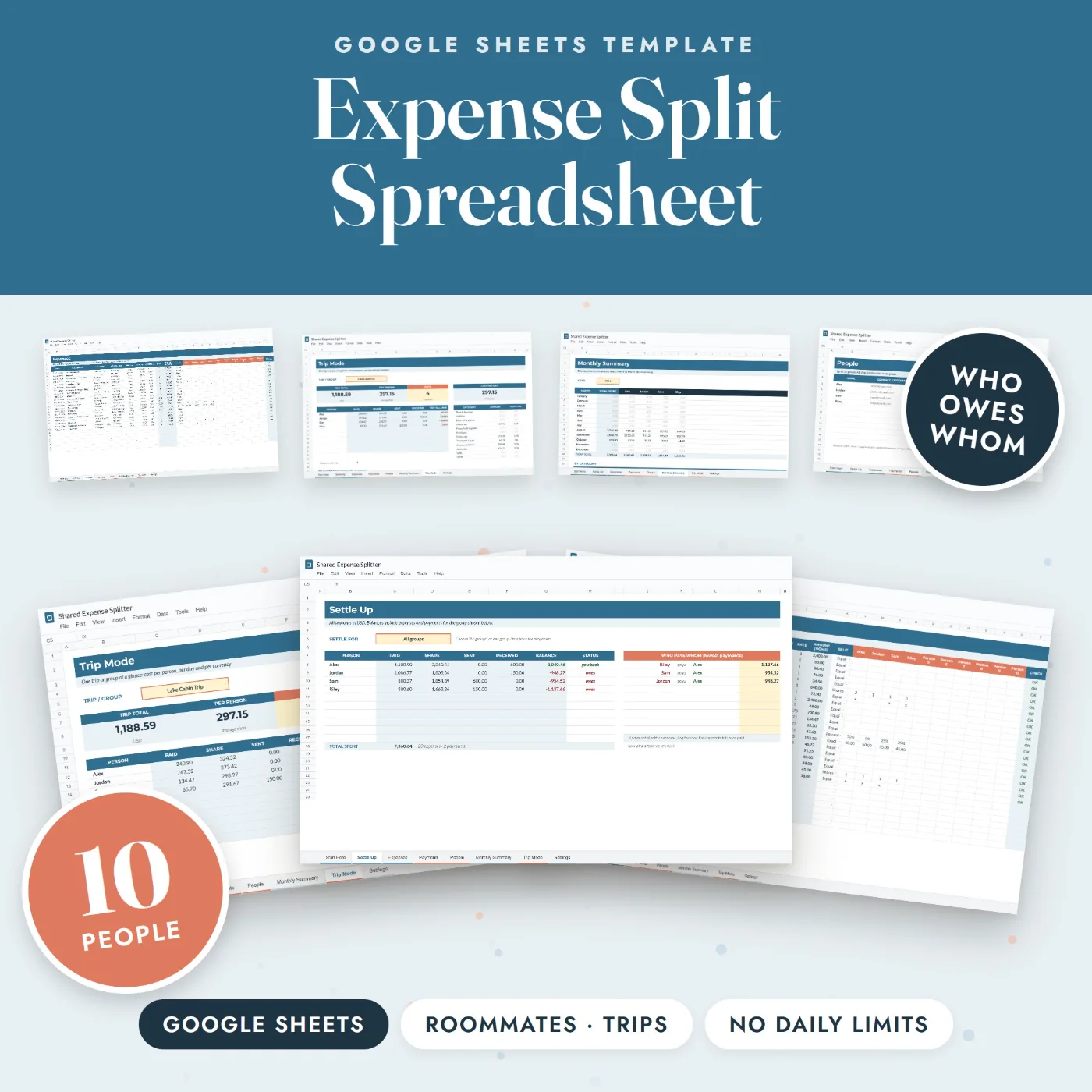
Who paid, who owes, and how to settle it in the fewest payments. This Google Sheets expense splitter works for roommates, couples, families and group trips, with no daily limits, no ads and no app.
Secure checkout by Payhip · cards by Stripe
Everything in this template
Paid, share, payments sent and received.
Who pays whom with the fewest payments (never more than 9 for 10 people), for all groups or one group.
Trip total, cost per person and per day, trip balances, categories and spending by currency.
Total spent and each person's share, plus a category by month table.
Ready in minutes
Check out securely with Payhip.
Your download link appears right away and arrives by email.
Click the link, make a copy, and it is saved to your Google Drive.
Personal use only, please don't share or resell the files. Delivery & refunds
Good to know
Do I need Excel?
No. It works in free Google Sheets with any Google account, on computer, tablet and phone. It is not made for Excel or Numbers.
How do I get my copy?
Open the link in your download, click "Make a copy" and the template is saved to your own Google Drive, ready to use.
Can I use it on my phone?
Yes, in the Google Sheets app. Setting it up is easiest on a computer.
How do I receive it?
Right after checkout your download link appears on screen and is emailed to you.
Can I get a refund?
Digital files cannot be returned once downloaded, so there are no change-of-mind refunds. If a file does not work, message us and we will fix it, replace it, or refund you if we cannot. Full policy.
What you get
- Google Sheets template (instant copy link) with 8 tabs: Start Here, Settle Up, Expenses, Payments, People, Monthly Summary, Trip Mode, Settings
- A copy with a sample apartment and a lake cabin trip (4 people) and a blank copy
- Up to 10 people
- Expense log with 500 rows and a payments log with 300 rows
- Start Here instructions tab
Instant download: you get a PDF with your Google Sheets copy link(s) right after purchase. Click a link and choose Make a copy. The template is saved to your own Google Drive. Follow the Start Here tab. Works on computer, tablet and phone with the free Google Sheets app. Nothing to install.
Works with
- Free Google Sheets on computer, tablet and phone
- A free Google account
- Not made for Excel or Numbers
Pairs well with
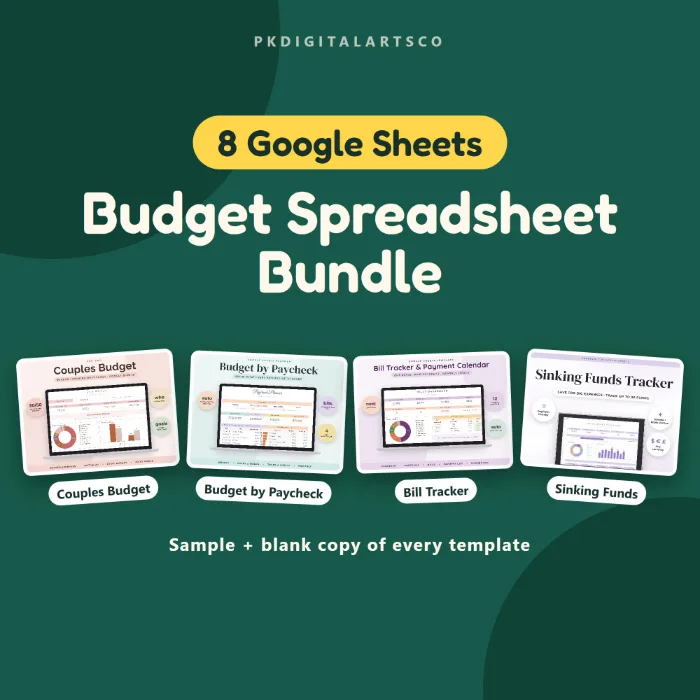
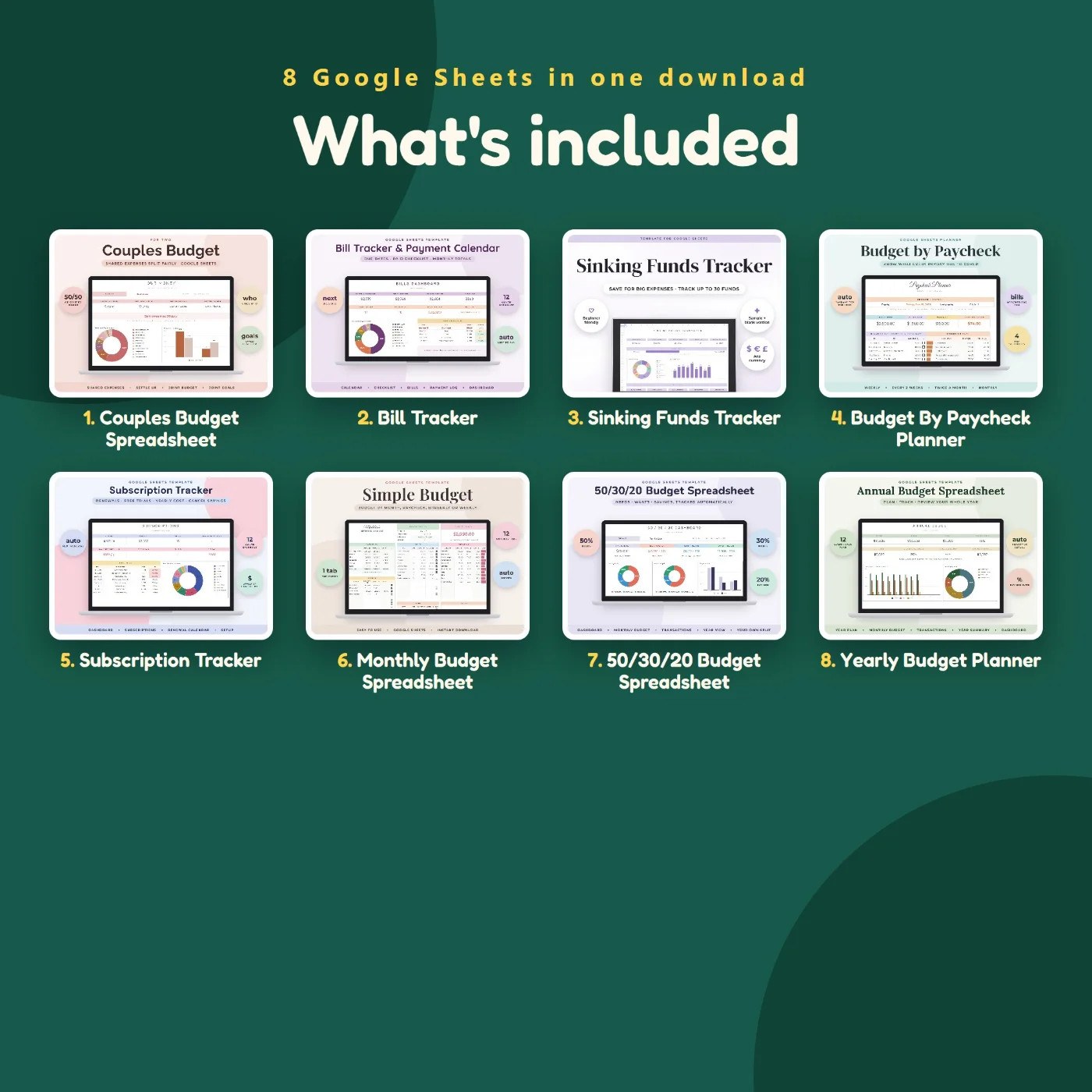
Budget Spreadsheet Bundle
8 Google Sheets for monthly, paycheck, bills and sinking funds budgets
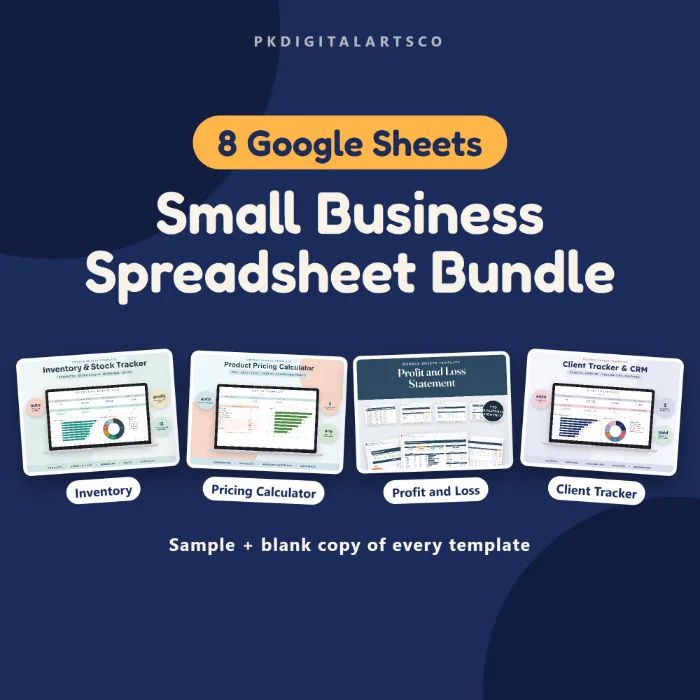
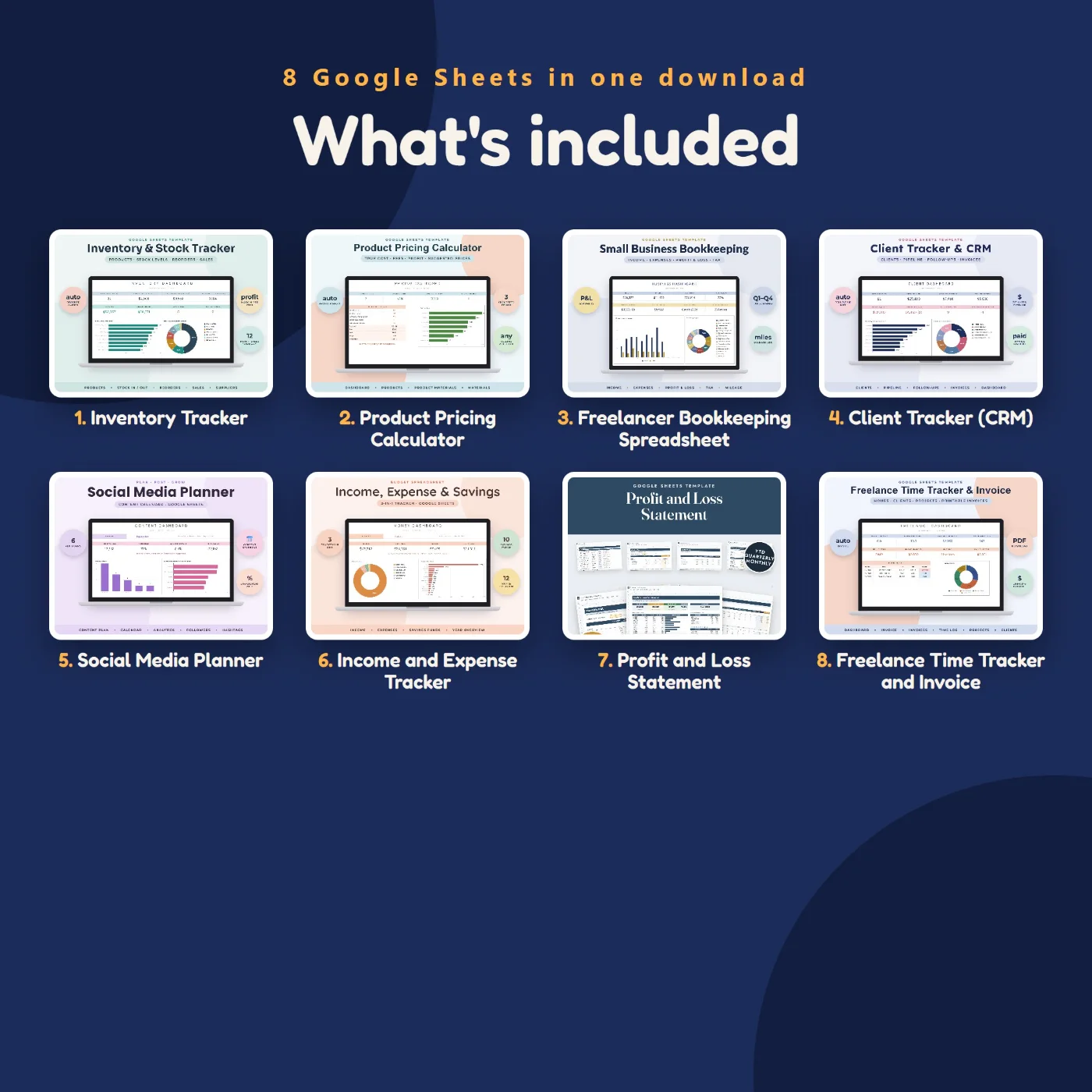
Small Business Spreadsheet Bundle
8 Google Sheets for inventory, pricing, bookkeeping and profit
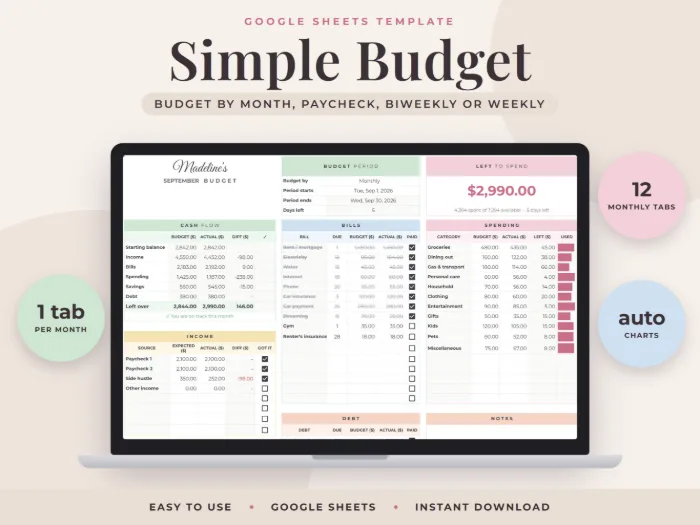
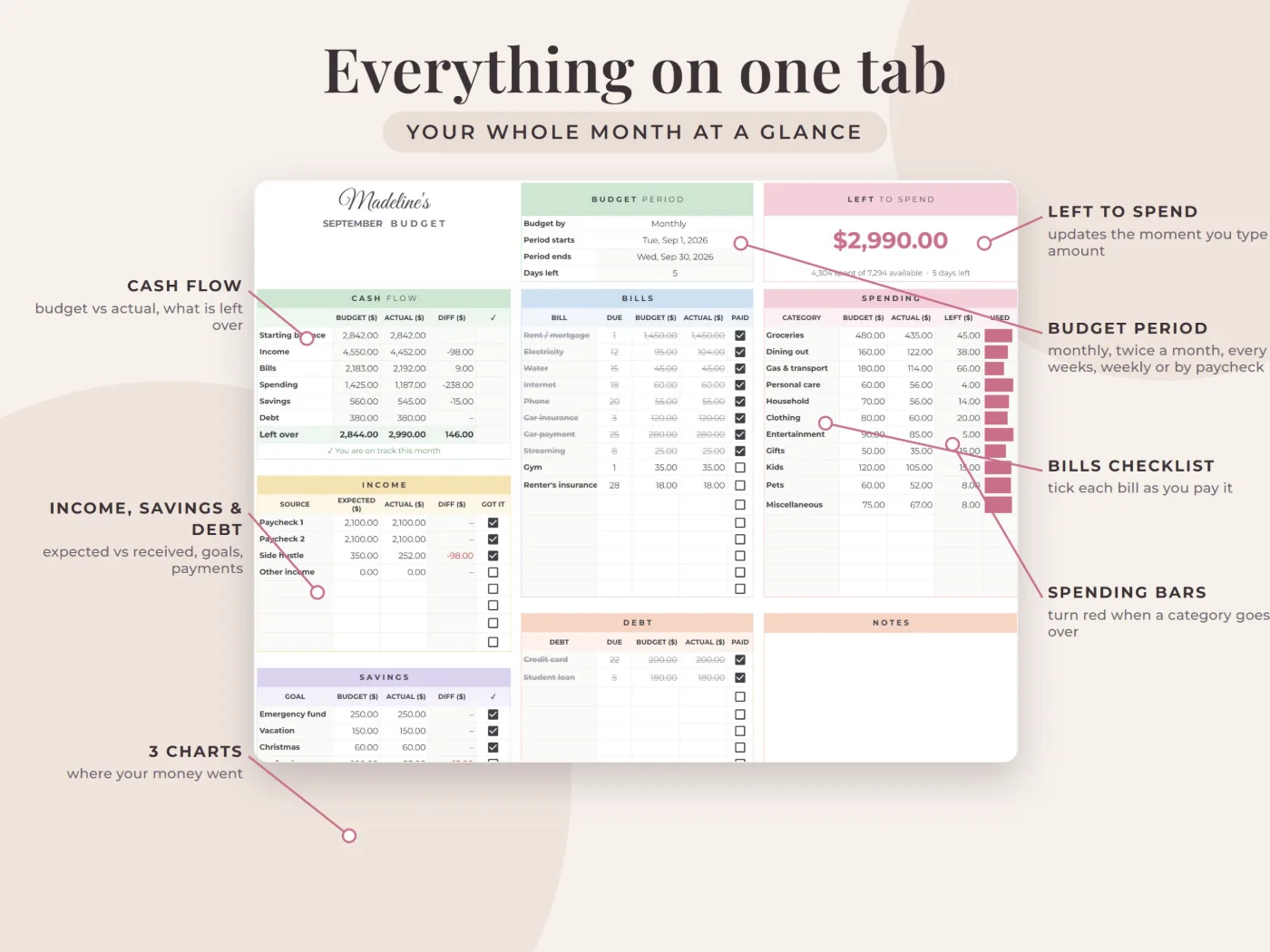
Simple Budget Planner
monthly, biweekly or weekly budgeting
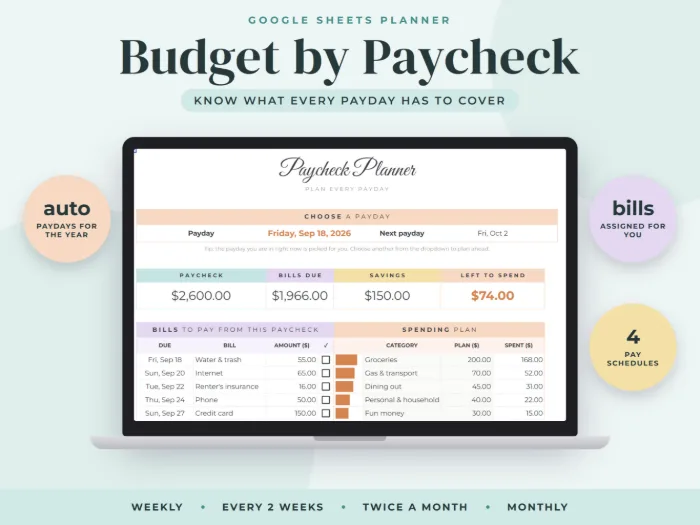
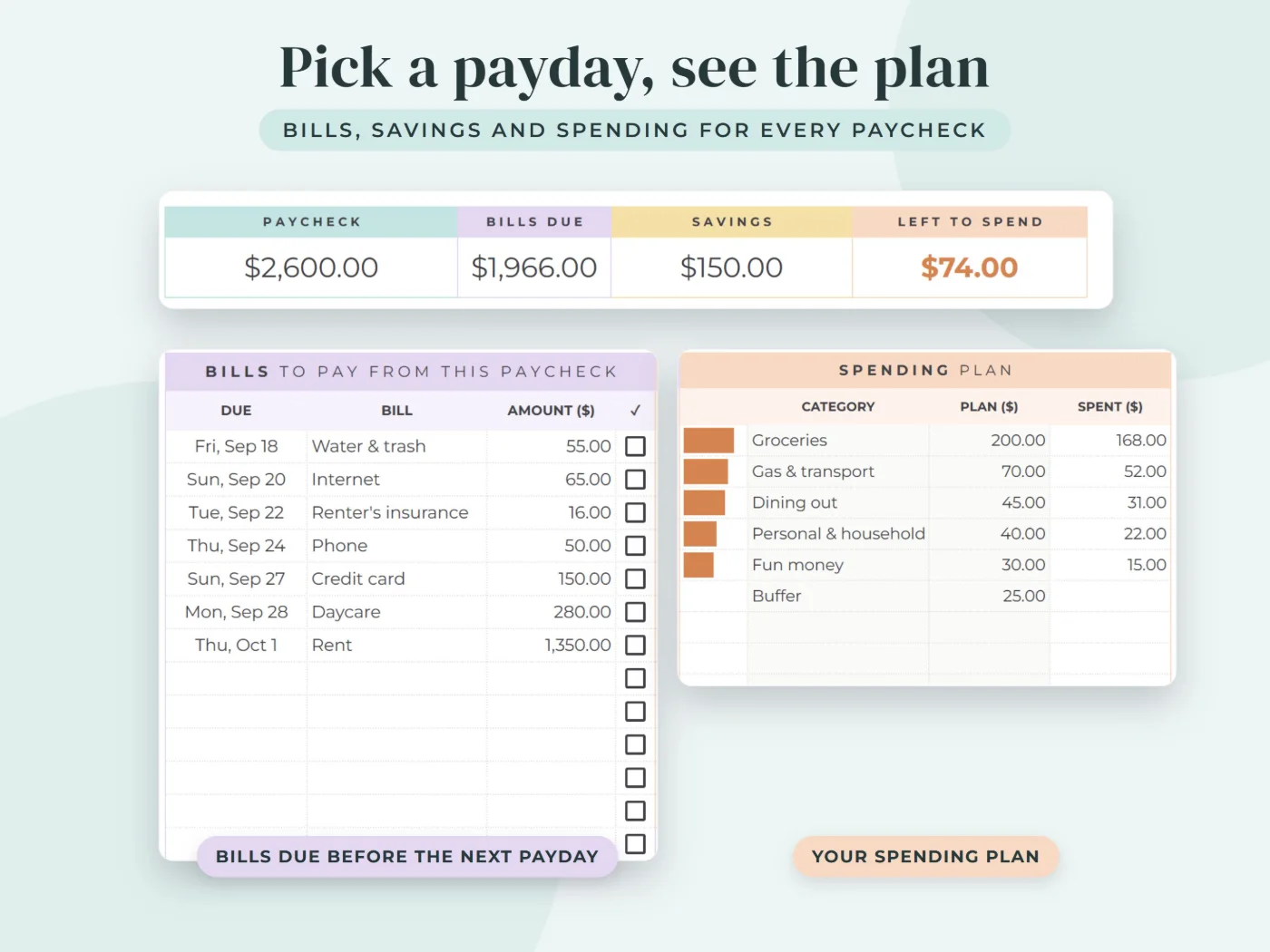
Paycheck Budget
plan every paycheck and bill